Rust Company - Tags & Territory
Company Field Manual
Last updated: October 30, 2026
What This Gamemode Is
Rust Company divides the server into two large factions: Red and Blue. You still farm, build, raid and survive like normal Rust but your actions also help your Company fight for the island.
Each wipe is a Campaign. A new Campaign starts shortly after the previous one ends. The monthly Facepunch Force Wipe also ends the active Campaign and starts a fresh one after the Rust update.
Every Campaign begins with a Buildup Phase that lasts 24 hours. The War Phase begins after Buildup and continues until one Company reaches 100,000 Points and wins the Campaign.
Basics
Company and Team do not mean the same thing:
- Company = the large faction you choose for the whole Campaign.
- Team/Squad = Rust's normal Team system for your smaller group.
Every Team/Squad belongs to either Red or Blue Company.
When you join:
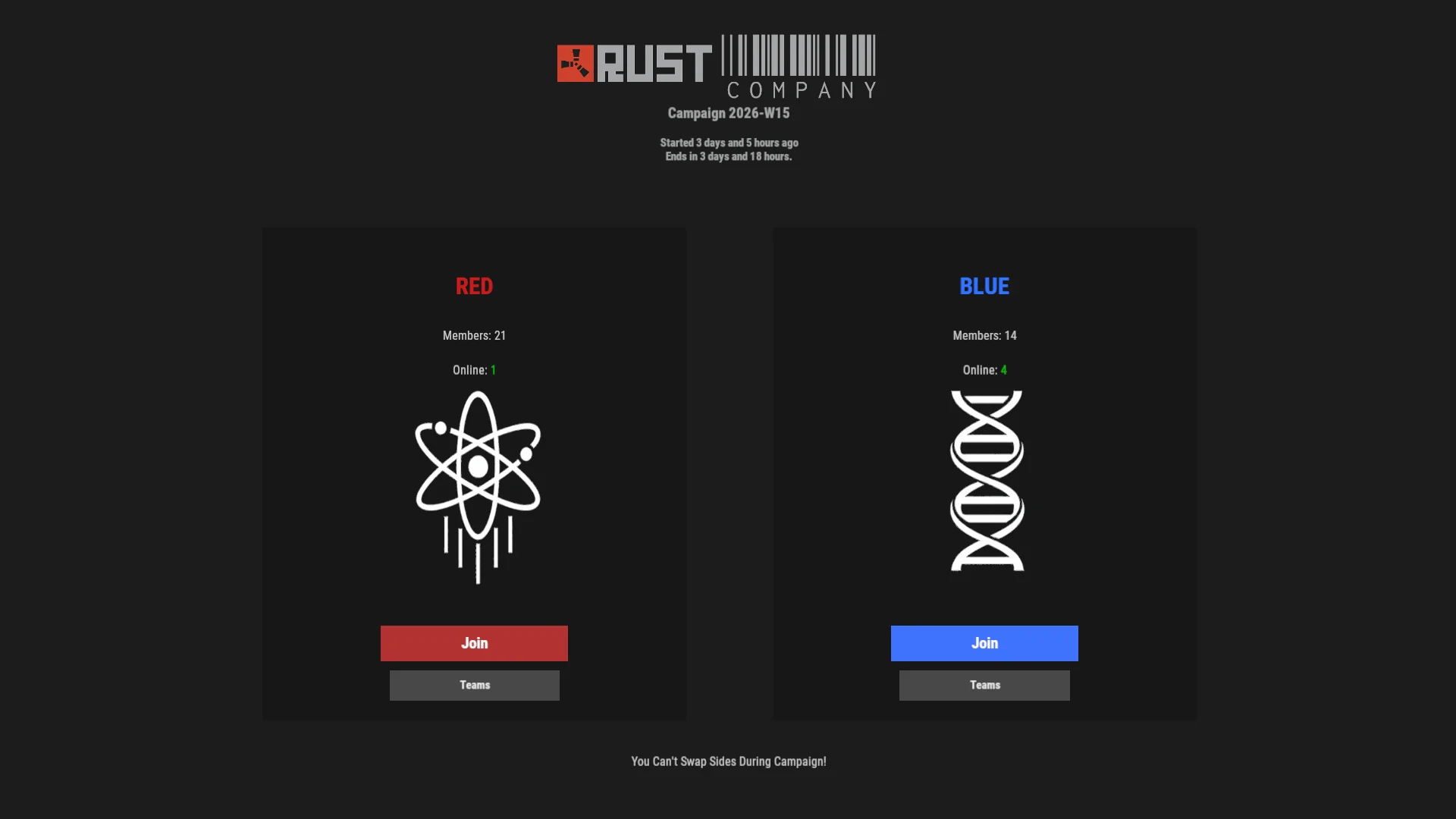
- You choose Red or Blue.
- Your choice is locked until the Campaign ends.
- You choose a starting loadout before entering the Campaign.
- Your default respawn is your Company Spawn Outpost instead of a random beach.
- Your Company controls your Clan chat, territory, Objectives and score.
- Global chat is public and can be read by everyone on the server.
- Rust Teams remain available for smaller groups inside your Company.
- You cannot invite an enemy Company player into your Team.
How a Company wins:
- Reach 100,000 Victory Points.
- Hold every Objective for 60 continuous minutes.
- If Force Wipe arrives first, the Company leading in Victory Points wins.
Your Company earns Victory Points from:
- Killing enemy Company players.
- Destroying enemy Tool Cupboards.
- Holding monument Objectives.
Campaign phases:
- Buildup Phase lasts for the first 24 hours.
- War Phase continues until one Company reaches 100,000 Points and wins the Campaign.
What to do after spawning:
- Ask your Company where help is needed.
- Join a Team/Squad or follow your own path.
- Build, fight, capture Objectives and destroy enemy bases.
Company Chat
Global chat is public. Clan chat belongs to your Company and Team chat belongs to your smaller squad.
[Global]chat is public. Both Companies can read and reply to it.[Clan]chat is your private Company channel. Red and Blue cannot read each other's Clan messages.[Team]chat is private to your normal Rust Team.- Link Steam and Discord on the Linking page to access your Company's Discord channel.
- Company Clan chat and the matching Discord channel share messages in both directions.
Useful chat commands
/help: shows available chat commands./stats: shows your personal stats./scoreor/scoreboard: opens the scoreboard./search <playername>: opens a player's scoreboard profile./phaseor/phases: explains the current Campaign phase and Seeding Mode./map lite,/map detailedor/map off: changes the territory map view./loadout: changes the loadout you receive on your next normal CSO respawn./teamname <name>: changes your Team/Squad name./patreons: opens the Patreon supporter list.
[Global] for public chat, [Clan] for Company chat and
[Team] for your squad.
Territory
Tool Cupboards claim territory for the Company that owns them. Friendly territory appears on your map so you can see where your Company has built and where it is losing ground.
- Territory comes from the build privilege area around player Tool Cupboards.
- Friendly territory is visible on your map. Enemy base territory stays hidden.
- Territory does not earn Victory Points by itself.
- Destroying an enemy Tool Cupboard earns 100 VP.
- Company territory does not let you build inside another player's base. Normal TC authorization still applies.
- Auto turrets and SAM sites treat members of their Company as friendly.
- Other traps still follow normal Rust rules. Shotgun traps can hurt Company members without TC authorization.
Buildup rules:
- You can build in your own Company area and the neutral middle of the island.
- You cannot build or place deployables inside the enemy Company area.
- Bases inside Company home areas have increased raid resistance.
- The neutral middle keeps normal raid damage.
- War Phase removes these restrictions and returns normal raid damage across the map.
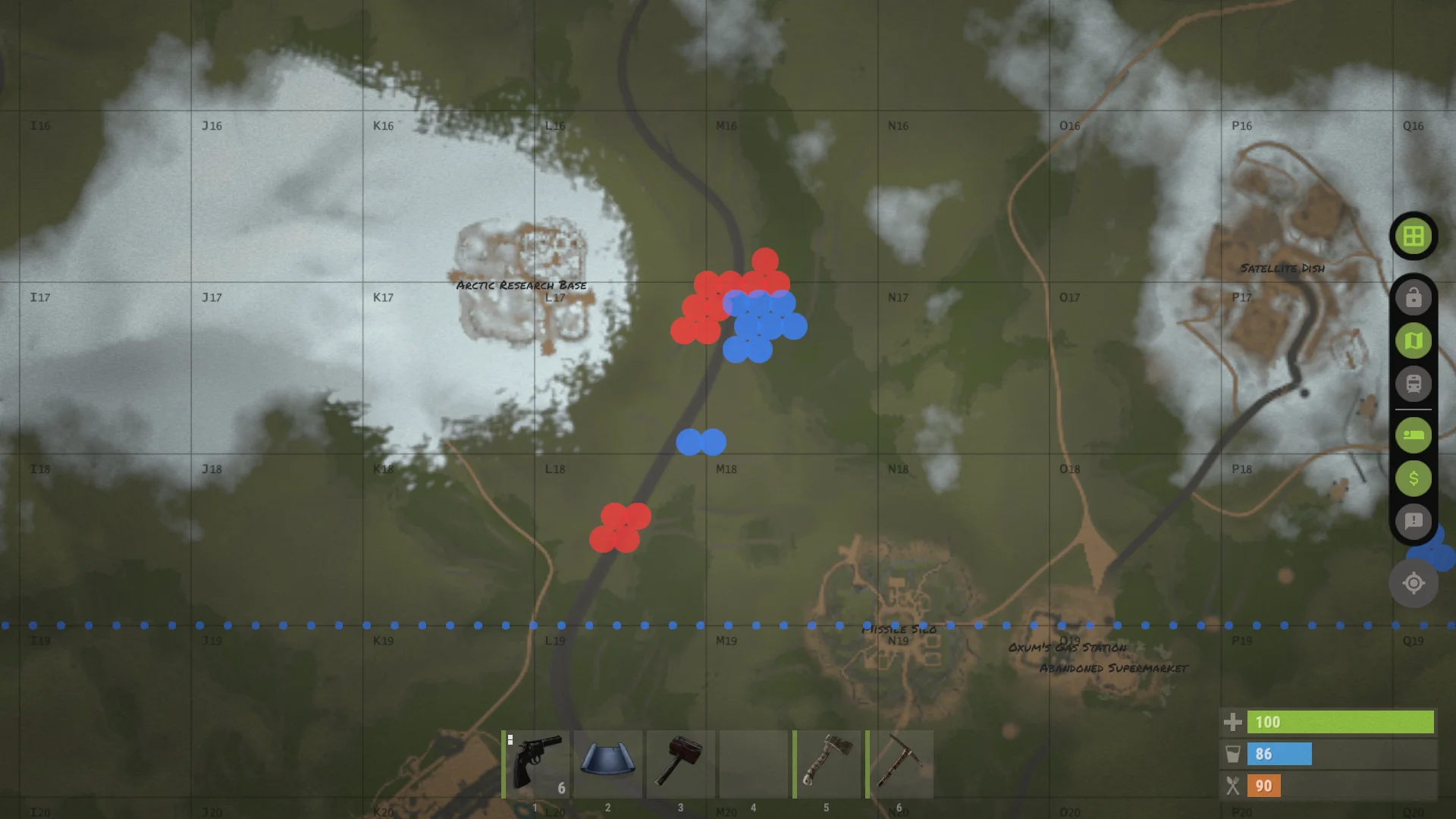
/map lite view shows friendly Company bases and territory.Objectives
Objectives are capture points at important monuments. Holding them earns Victory Points and gives both Companies a clear place to fight.
- Objective circles appear on the map and change color with their owner.
- Banners and lights at the monument also show who owns the point.
- Stand inside the marked zone to capture or defend it.
- More Company members inside the zone can capture faster.
- An enemy Objective must be neutralized before your Company can capture it.
- When both Companies contest the point, progress can stop.
- Each held Objective earns 15 VP every 10 minutes.
- The Objective VP rate stays the same during Buildup, War and Seeding Mode.
- Holding every Objective for 60 continuous minutes wins the Campaign.
During Buildup you can fight for the neutral middle Objective and Objectives on your own side. You cannot capture the enemy Company's home Objectives until War Phase.
Flashpoints
⚡ Flashpoints are timed battles around one Objective. The event card shows the location, start time, remaining time and current reward. The orange circle on the map marks the Flashpoint area.
Opening Flashpoint
- Every Campaign begins with an Opening Flashpoint at Launch Site.
- The battle lasts 20 minutes and can continue into overtime.
- Reinforcement waves collect players waiting in their CSO and parachute them into the event.
- Stay inside the marked battlefield. Ignoring the leave warning will kill you.
- Launch Site radiation is disabled while the Opening Flashpoint is active.
- Participating members of the winning Company receive 10 Neutral Dogtags.
Normal Flashpoints
- Normal Flashpoints start at 01:00 UTC and every three hours after that.
- A 10-minute warning appears before the 20-minute battle begins.
- Players travel to Normal Flashpoints normally. They do not use parachute waves.
- Spend at least 10 seconds inside the Flashpoint zone to count as a participant.
- Participants receive Neutral Dogtags. Winning participants also convert Neutral Dogtags into Company Dogtags.
- Rewards are smaller while Seeding Mode is active. The event card shows the current amount.
The Company controlling the Objective when time expires wins. If the point is still being actively captured the battle can enter overtime.

Dogtags
Dogtags are personal currency earned from combat and events. Your wallet has two separate balances: Company Dogtags and Neutral Dogtags. Both balances stay with your Steam account across deaths, Campaigns, server restarts and both the EU and NA servers.
- A Company player drops a dogtag matching their Company when they die.
- You cannot collect a friendly Company member's dogtag. It remains available for the enemy Company.
- Collecting an enemy Company dogtag adds it directly to your Company Dogtag balance.
- Scientists and hostile NPCs can drop Neutral Dogtags.
- Dogtags are banked even when your visible inventory is full.
- Your wallet is shown beside the normal health, thirst and hunger UI.
- Banked dogtags cannot be dragged out, dropped, traded or looted from your corpse.
CSO & Loadouts
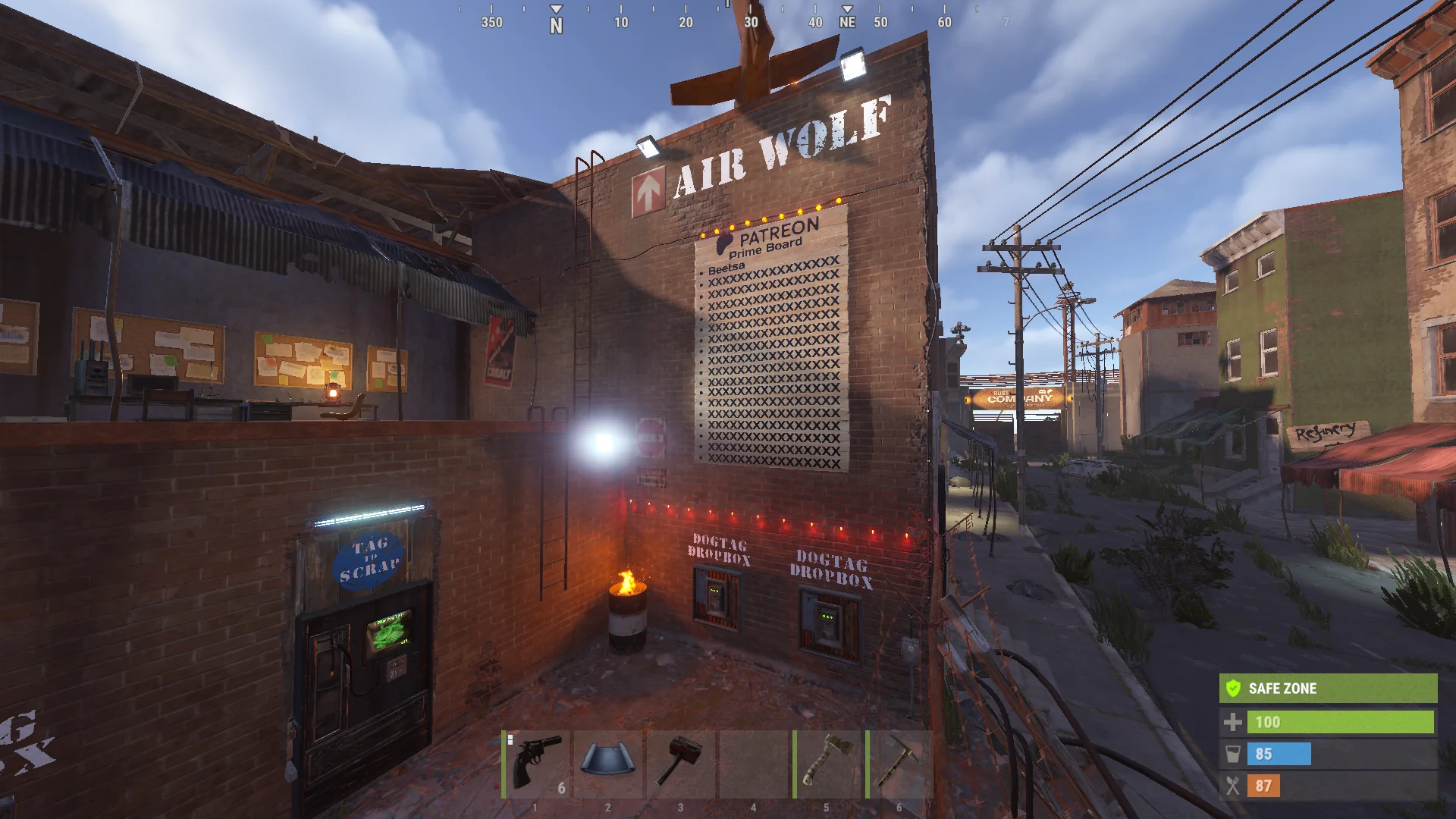
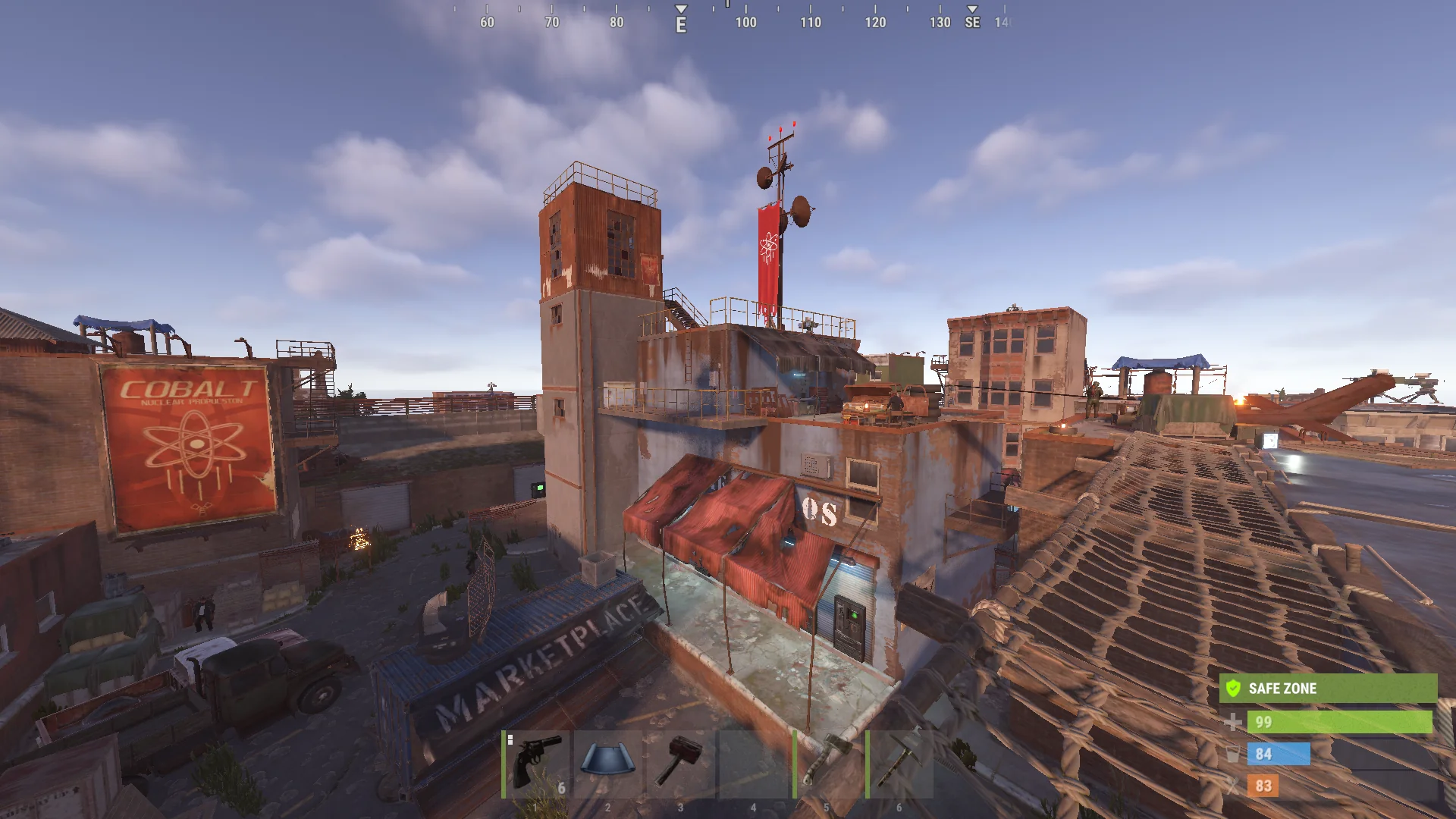
CSO means Company Spawn Outpost. Red and Blue each have their own safe outpost for spawning, regrouping and buying supplies.
- Your Company outpost is friendly and safe for your Company.
- The enemy Company outpost is hostile. Its guards, turrets and SAM sites will attack you.
- The respawn button sends you to your Company outpost instead of a random beach spawn.
- Bed and bag spawns still work like normal Rust.
- Your selected loadout is granted when you use the normal CSO respawn.
- Bed and bag spawns do not grant your Company loadout.
- Use
/loadoutto select a different kit for your next normal CSO respawn. - Changing your loadout does not replace the items you are already carrying.
- CSO territory itself does not give Victory Points.
Your CSO is the safest place to meet your Company, prepare a kit and return to the fight.
Dogtag Shops
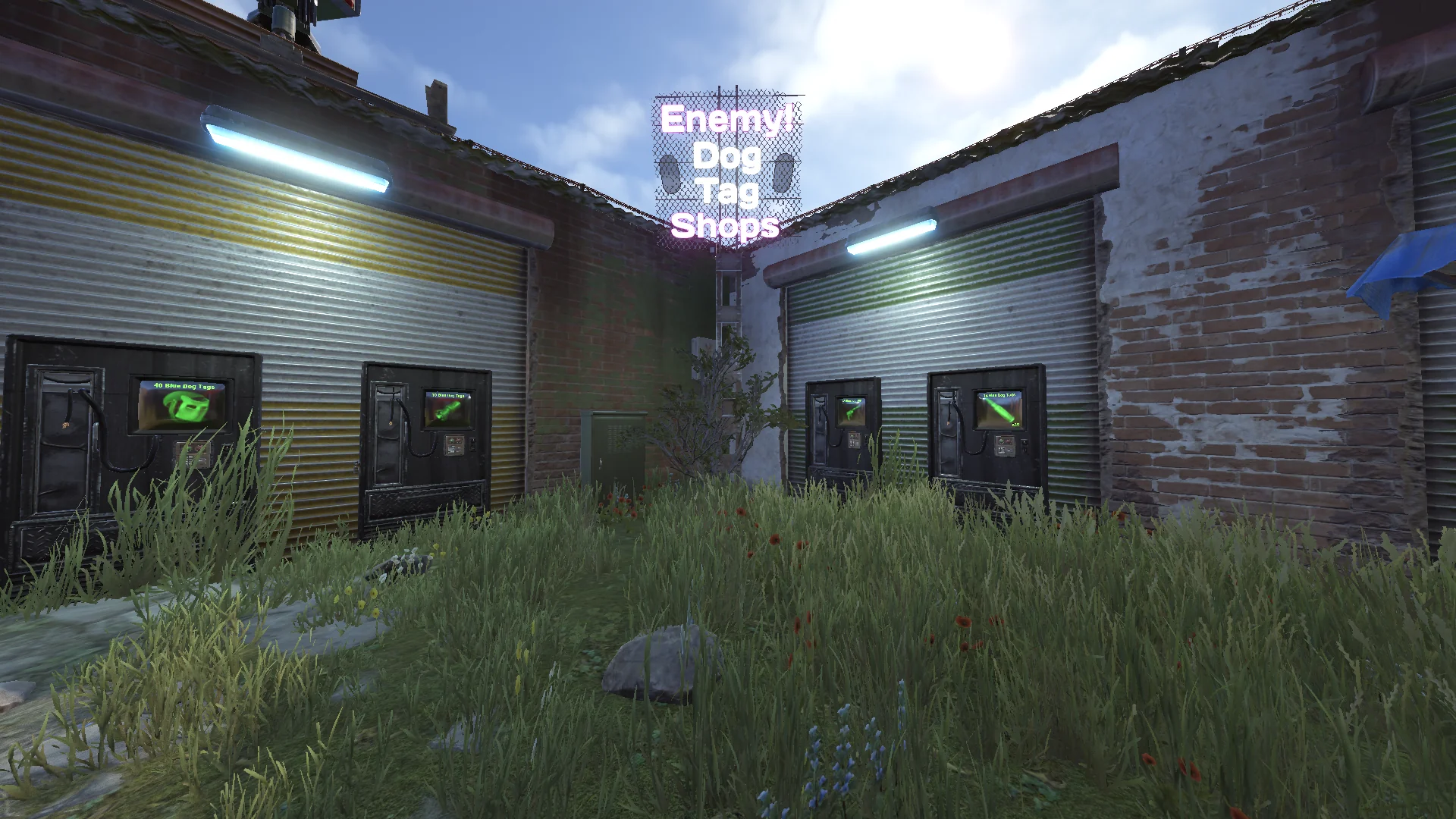
Each CSO has shops for weapons, equipment, consumables and vehicles. Purchases use the Dogtags stored in your wallet.
- Company dogtag shops charge the enemy Company's dogtags: Red players spend Blue Dogtags and Blue players spend Red Dogtags.
- The Consumables shop charges Neutral Dogtags for healing and other supplies.
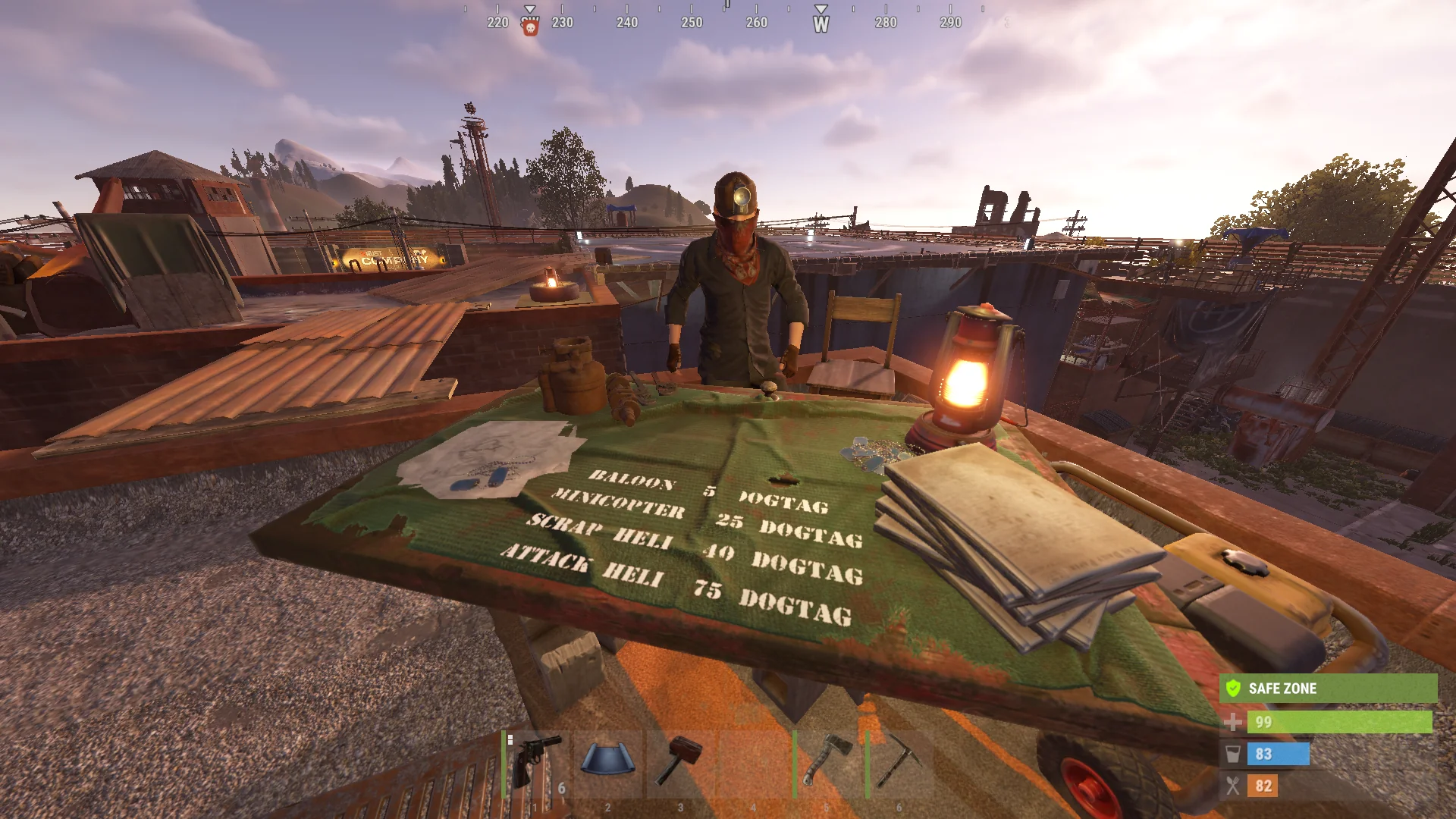
- The Airwolf NPC charges Company Dogtags for flying vehicles.
- Dogtag shops and Airwolf stay locked until War Phase.
- The Exchange shop remains open during Buildup so players can earn Dogtags from resources and blueprints.
- Enemy Company shop markers are hidden from your map.
- You cannot buy from enemy Company shops in person or through a drone.
- The South Power Plant powers the South Outpost Marketplace. The North Power Plant powers the North Outpost Marketplace.
Airwolf prices are 5 Company Dogtags for a hot air balloon, 25 for a minicopter, 40 for a transport helicopter and 75 for an attack helicopter.
Scoreboard
The scoreboard shows the Campaign score and how players are contributing to their Company.
- Use
/scoreor/scoreboardto open the scoreboard. - Press right mouse button to show your cursor and interact with it.
- The Company view shows Victory Points, held Objectives, members and online players.
- The Teams view shows contributions from each Team/Squad.
- The Players view shows individual player stats.
- Capt. means Objective captures.
- TCD means enemy Tool Cupboards Destroyed.
- Use
/search <player>to find a player on the scoreboard.
The current Blue and Red Victory Point totals also appear beside the compass so you can read the score without opening the full scoreboard.
- Enemy player kill: 3 VP
- Enemy TC destroyed: 100 VP
- Held Objective: 15 VP per 10 minutes
- Territory: 0 VP by itself
Map & Seeding
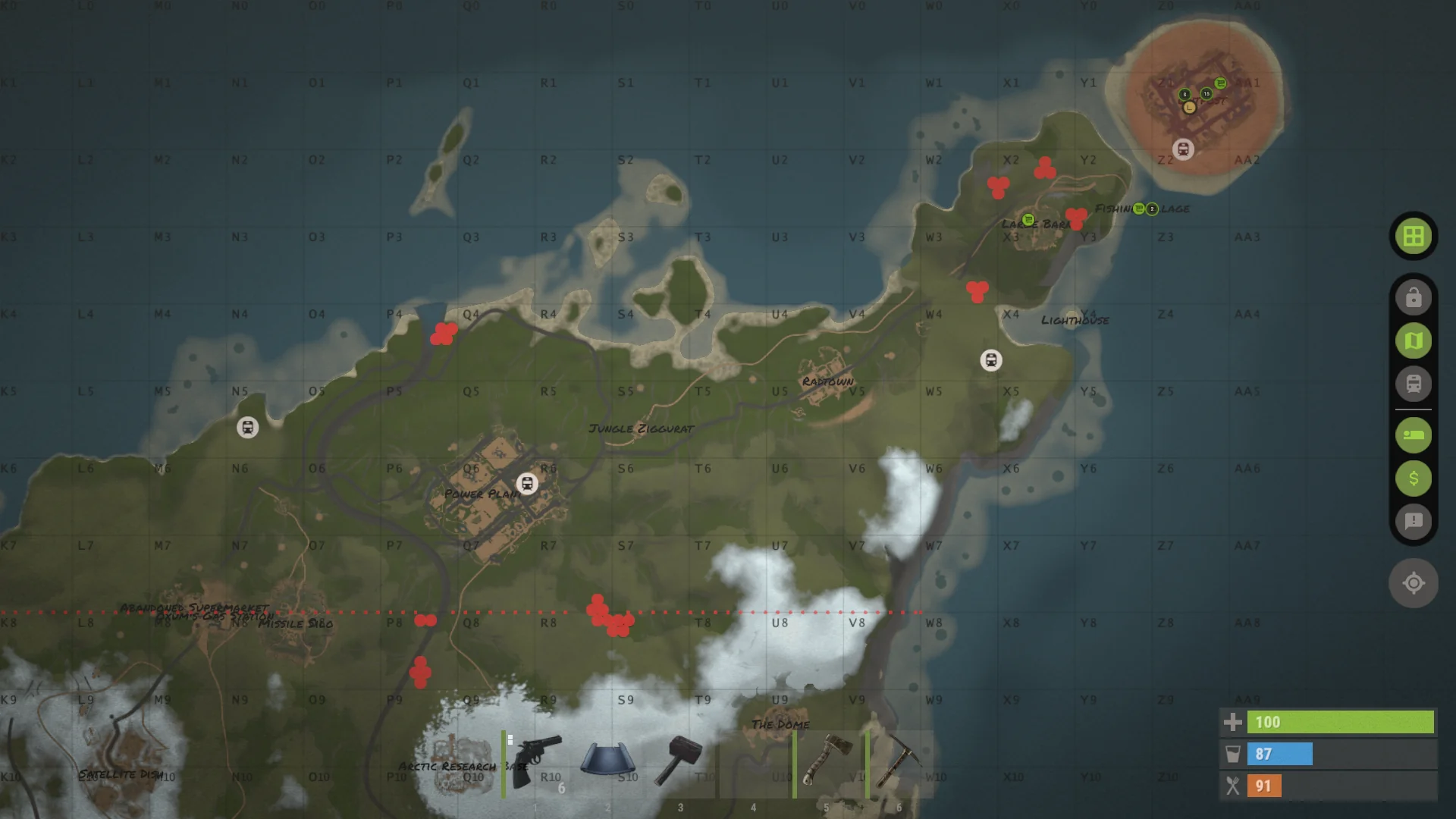
The map shows friendly territory, Company outposts, Objectives and active Flashpoints.
- Friendly base circles and territory outlines show where your Company has built.
- Enemy base territory stays hidden.
- Large CSO circles show the protected space around each Company outpost.
- Objective circles change color to show who owns them.
- Orange circles show active Flashpoint areas.
- Use
/map lite,/map detailedor/map offto change the territory view.
Seeding Mode
- Seeding Mode is active at 20 or fewer online players and turns off at 21 or more.
- Action XP and playtime XP are doubled while Seeding Mode is active.
- Held Objectives continue to earn their normal Victory Points.
- Natural server airdrops are routed toward the first two Abandoned Military Bases while Seeding Mode is active.
- Player-called supply-signal airdrops stay vanilla.
- Only Launch Site radiation is suppressed during Seeding Mode. Every other monument keeps its normal vanilla radiation.
- Seeding Mode does not add raid protection. Buildup protection still applies when the Campaign is in Buildup.
Abandoned Military Bases remain normal combat areas. Seeding Mode only makes them likely destinations for natural airdrops.
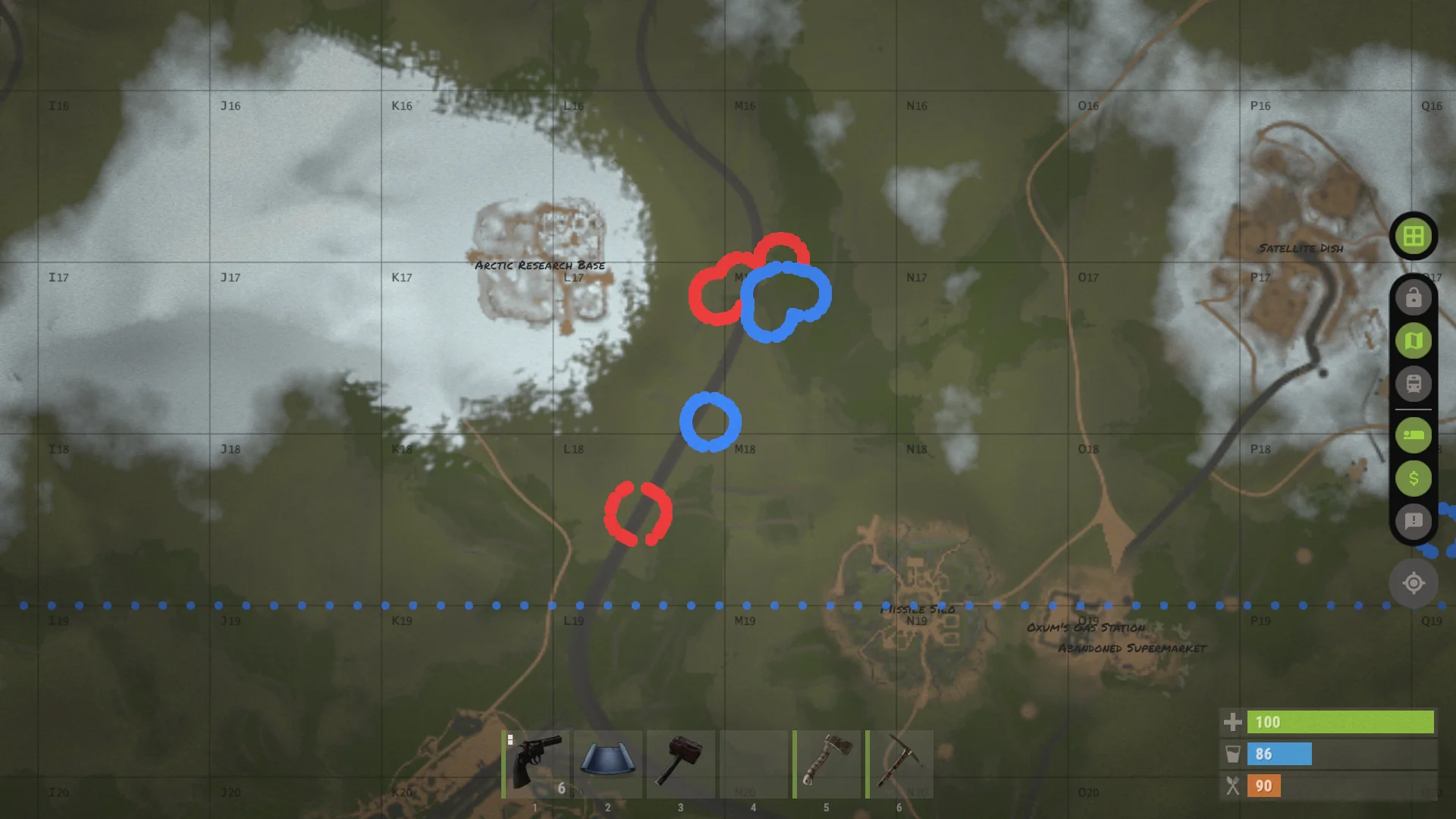
/map detailed shows exact friendly base outlines and Company territory.Camera Codes
Launch Island has duplicated monuments. Their camera codes use a number so each copy can have its own cameras.
1marks the southern copy of a monument.2marks the northern copy of a monument.- For two Domes the top cameras are
1DOMETOPand2DOMETOP. - If a familiar camera code fails, check whether it needs the leading monument number.
- Camera codes without duplicated names work like normal Rust.
1 for south or 2 for north.
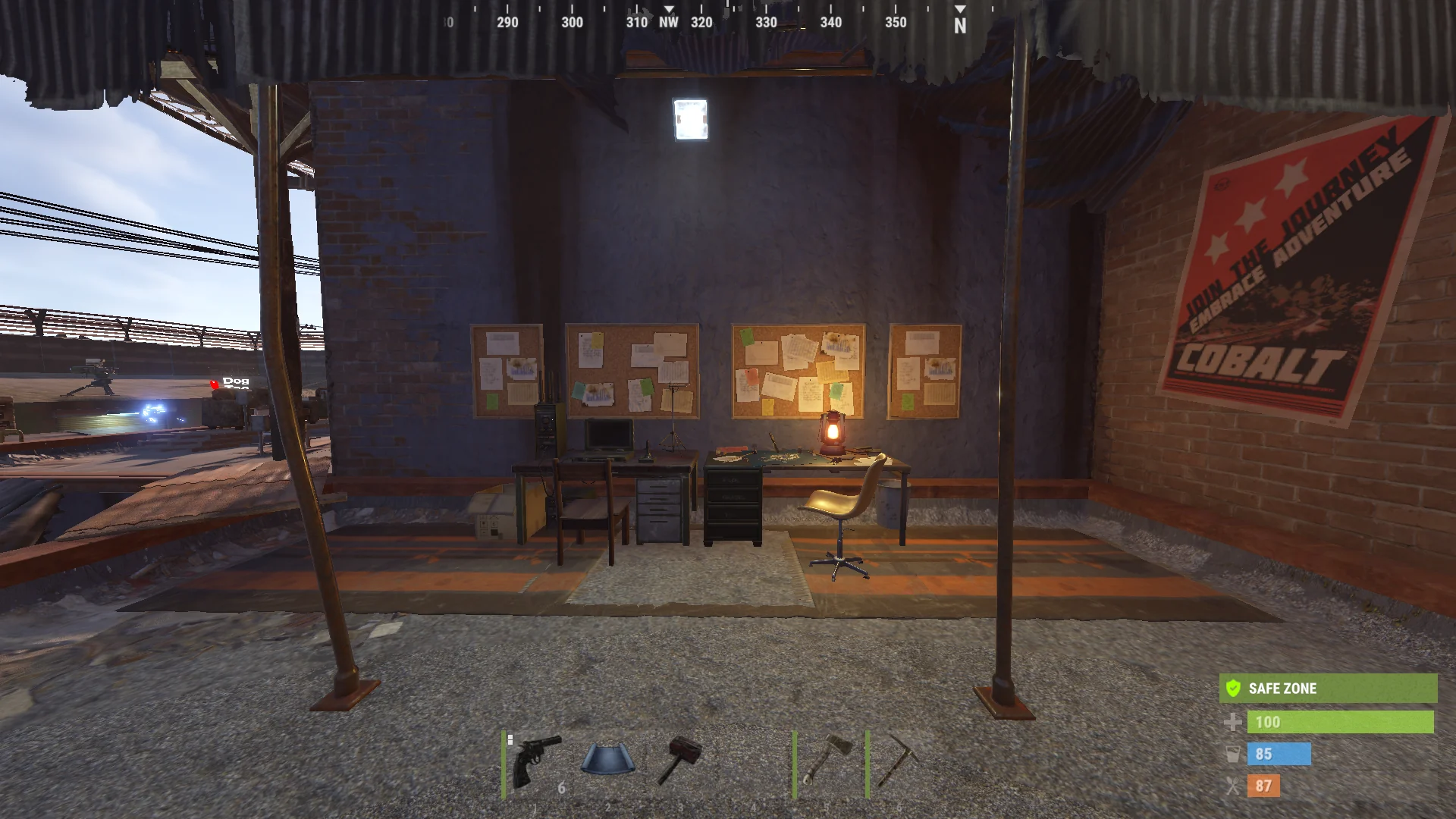
1 codes such as 1COMPOUNDSTREET. Red Outpost uses 2 codes such as 2COMPOUNDSTREET.Support Project
Rust Company is a solo project by Baido. Community support helps keep the servers online and gives the project room to grow.
- Support the project directly through Patreon.
- Patreon members receive in-game recognition and supporter benefits.
- Link Steam and Patreon on the Linking page to receive your in-game benefits.
- Use
/patreonor/patreonsto open the supporter panel. - Favorite and upvote the Workshop item to support the project for free.
- Existing Early Adopters keep their recognition and benefits.
- Playing, joining Discord, reporting issues and sharing feedback also helps the project.
For project questions: contact@playrustcompany.com or Discord.